
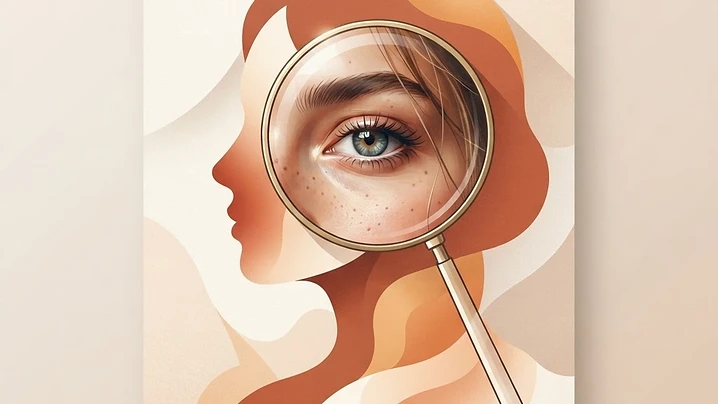
Why AI portraits still look like AI
The difference between an obviously AI-generated face and one that reads as a real photograph almost always comes down to detail at the pore level: skin texture, individual hairs, the wet surface of an eye, the fine lines in lips. A single generic "make this look realistic" prompt rarely fixes that. What actually works is running focused, feature-specific upscale passes — one prompt for the whole face, then separate passes zoomed into the eyes, nose, mouth, cheek skin, and hair — each one telling the model exactly which physical details to reconstruct.
Run these one at a time on the same portrait. Each prompt below is paired with a reference image showing the kind of result you're aiming for.
How to use these
- Start with your base portrait — the cleaner and higher-resolution the input, the better the upscale.
- Run the Full Image prompt first to lift overall skin realism.
- Then run each macro prompt (eye, nose, mouth, cheek, hair) separately on cropped or zoomed regions for the sharpest results.
- Every prompt below explicitly locks identity, pose, angle, and lighting — don't let the model drift on those; you're upscaling detail, not regenerating the person.
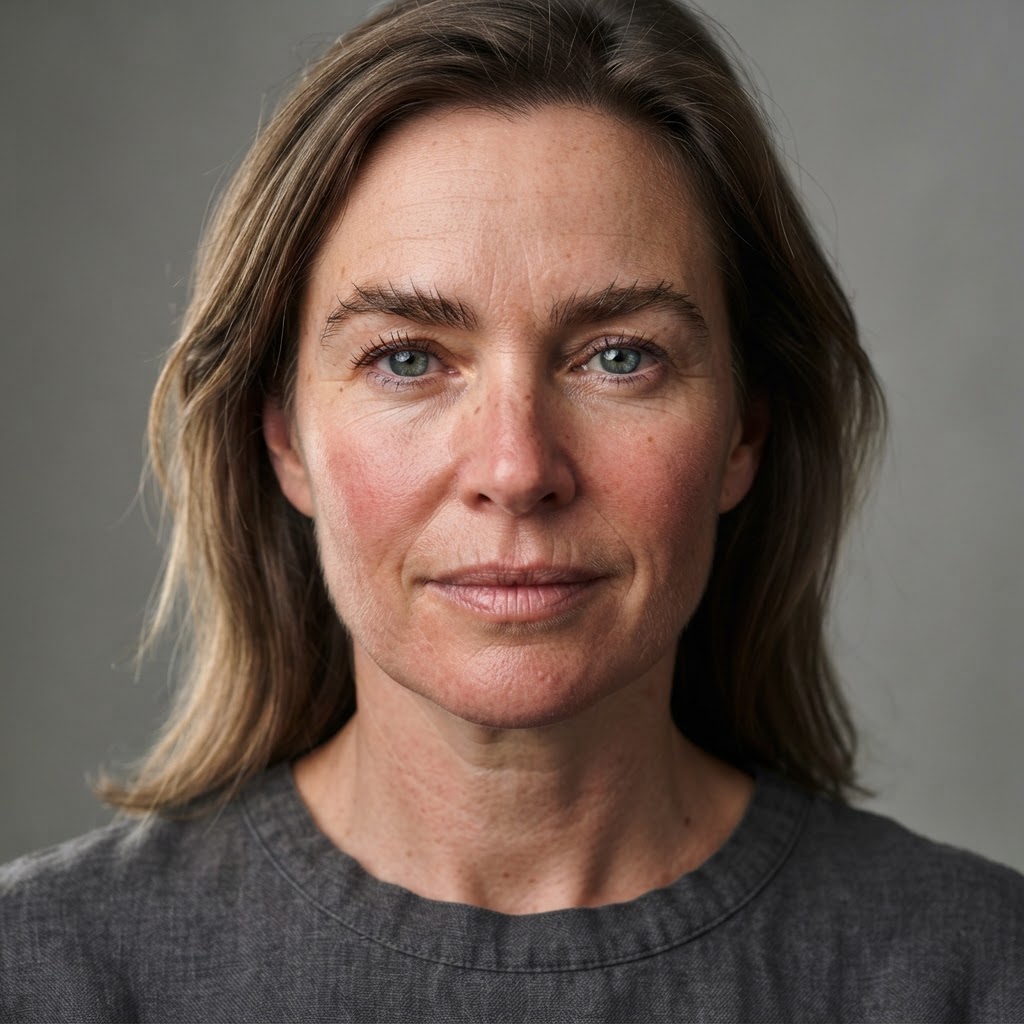
Full image — overall skin realism
Render this subject as an 8K ultra-realistic photograph. Reconstruct pore-level skin detail across the entire face, natural color variation between forehead, cheeks and chin, fine peach fuzz catching light along the jaw and hairline, realistic subsurface scattering showing warm blood tone beneath the skin, individual eyebrow hairs with natural growth direction, and natural asymmetry throughout. No smoothing, no retouching. Keep the exact same identity, expression, angle, zoom distance and lighting.

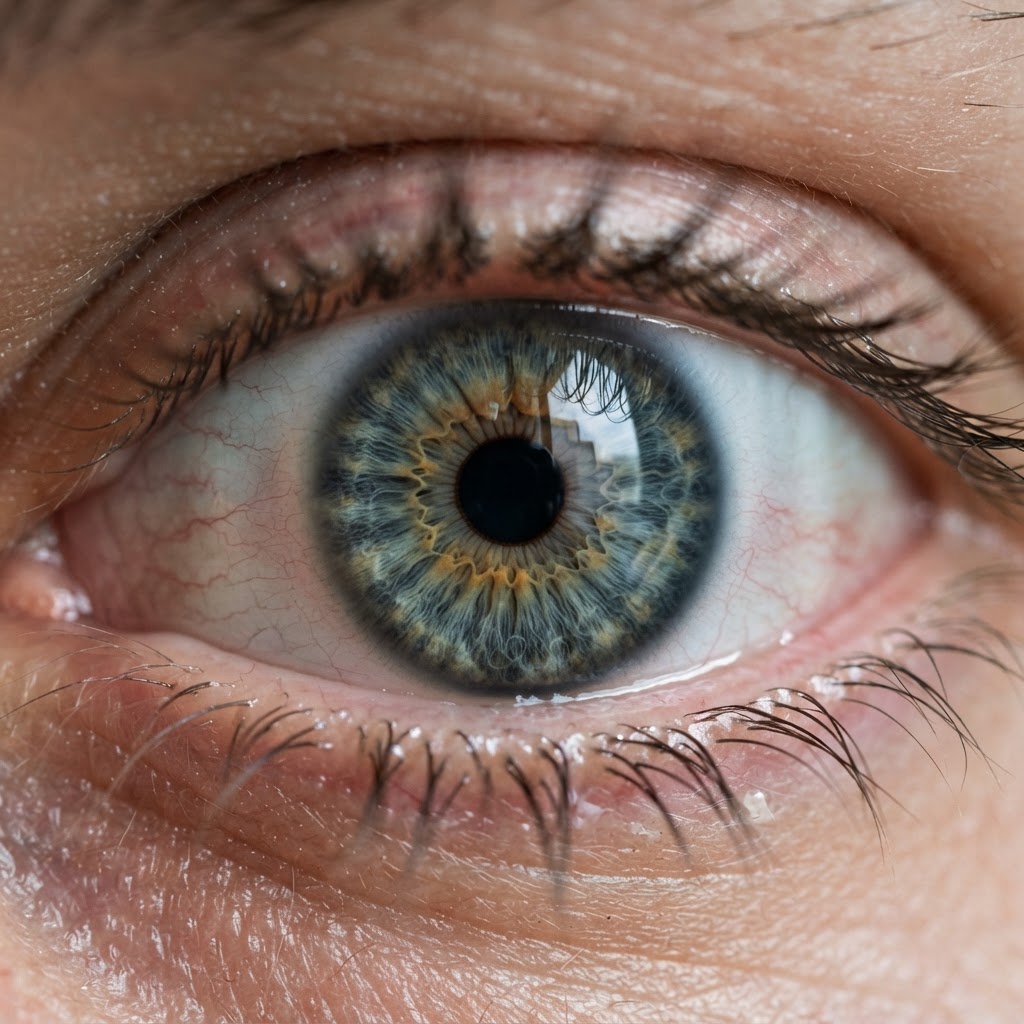
Eye detail — macro crop
Render an 8K macro crop of this subject's eye. Reconstruct iris fiber structure with layered radial depth and color variation, a darker limbal ring at the iris edge, a sharp pupil edge, individual eyelashes with visible roots and natural length variation, tear-film moisture across the wet eyeball surface, fine blood vessels in the sclera, natural eyelid skin texture with fine creases, and a sharp environmental catchlight. Keep the exact same eye color, shape, identity, eyelid position and eyebrow pose.
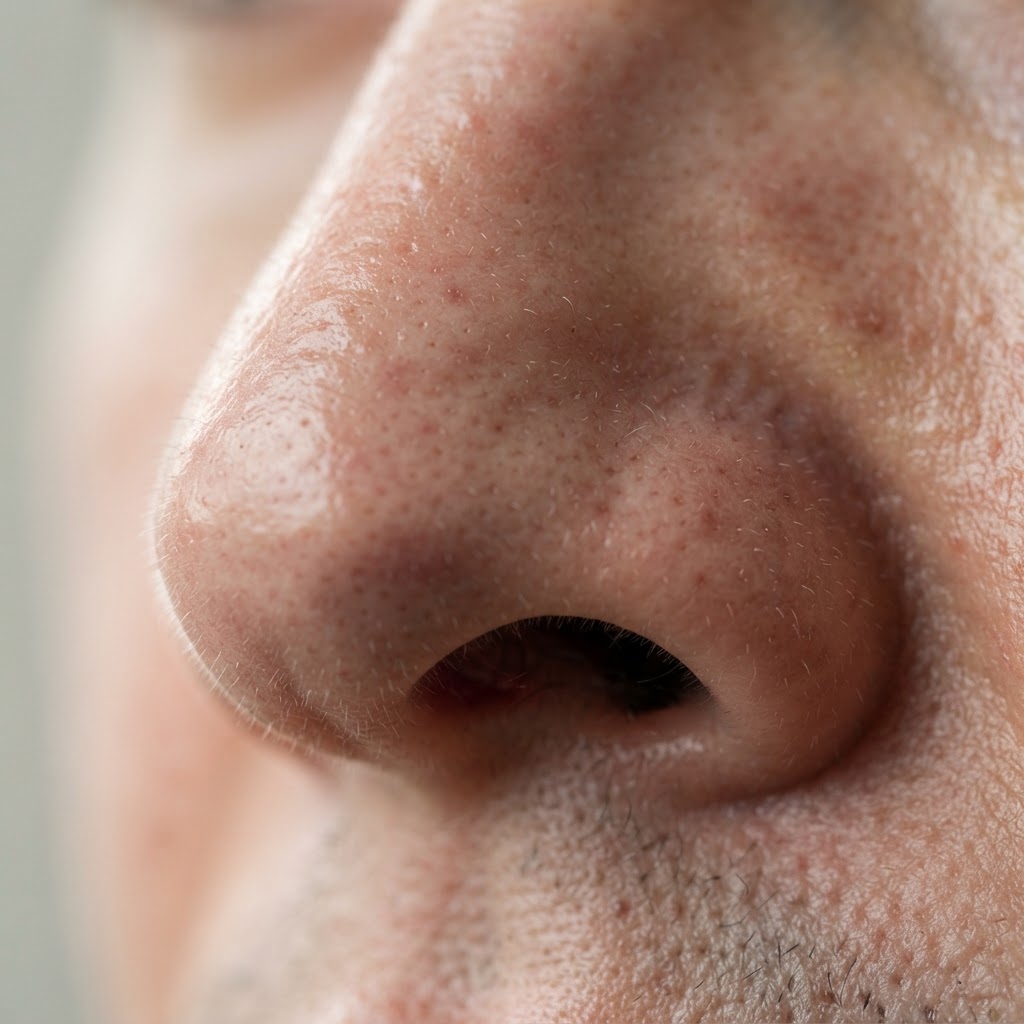
Nose detail — macro crop
Render an extreme 8K macro crop of this subject's nose. Reconstruct visible pore structure across the bridge and nostril, natural subtle sebum shine on the tip and sides, fine vellus hair catching light, tiny broken capillaries where natural, subtle color variation from bridge to tip, nostril-rim skin texture, and realistic light falloff along the bridge. No smoothing. Keep the exact same nose shape, identity, and angle.
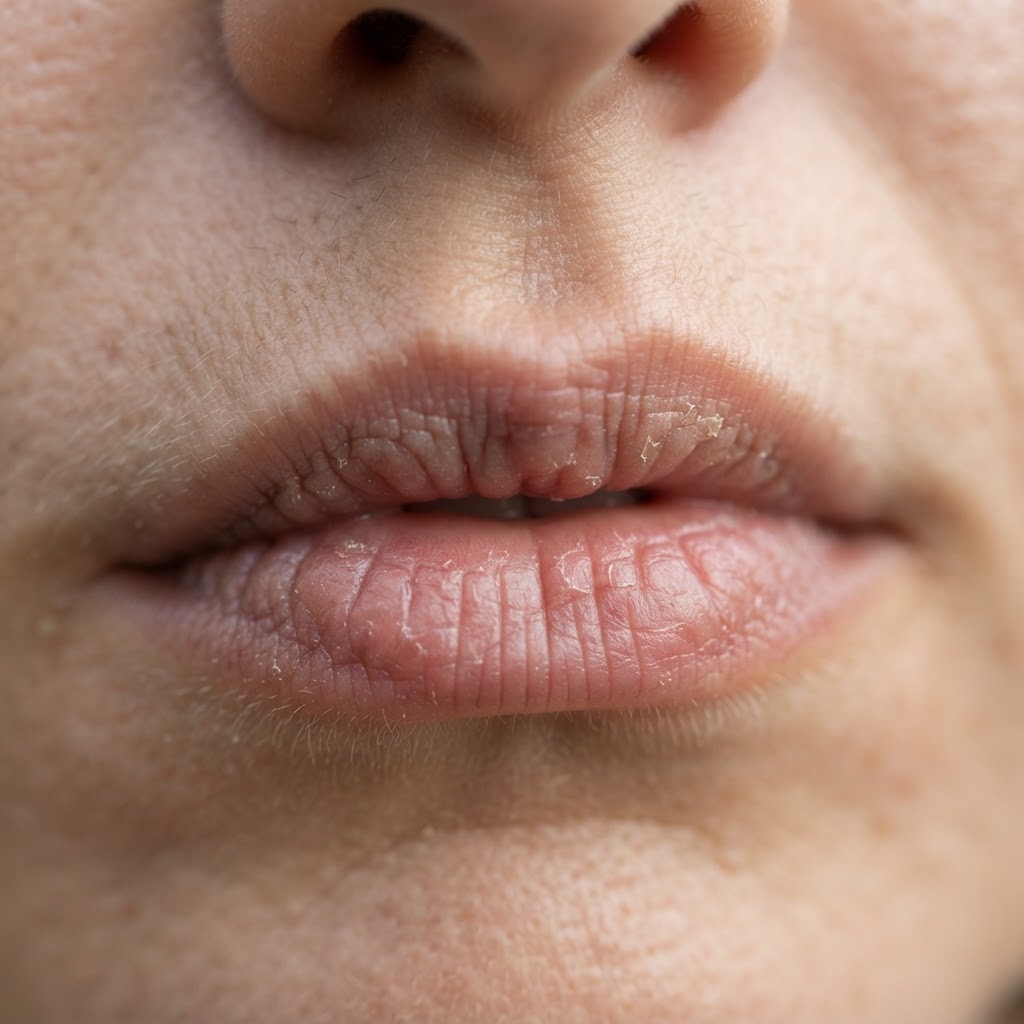
Mouth detail — macro crop
Render an extreme 8K macro crop of this subject's mouth. Reconstruct lip texture with fine vertical lines and natural dryness, a defined vermilion border where lip meets skin, natural lip color variation and subtle unevenness, visible pore detail on the surrounding skin, fine vellus hair above the upper lip catching light, natural moisture on the inner lip edge, and philtrum definition. Keep the exact same lip shape, expression and identity.
Cheek & skin surface — macro crop
Render an extreme 8K macro crop of this subject's cheek and skin surface. Reconstruct individual pores with natural depth and shadow, peach fuzz standing off the surface catching directional light, micro-blemishes and natural unevenness, subtle sun damage and pigmentation variation, realistic subsurface scattering, fine surface lines and skin grain, and natural oil distribution. No smoothing, no retouching. Keep the exact same skin tone and identity.
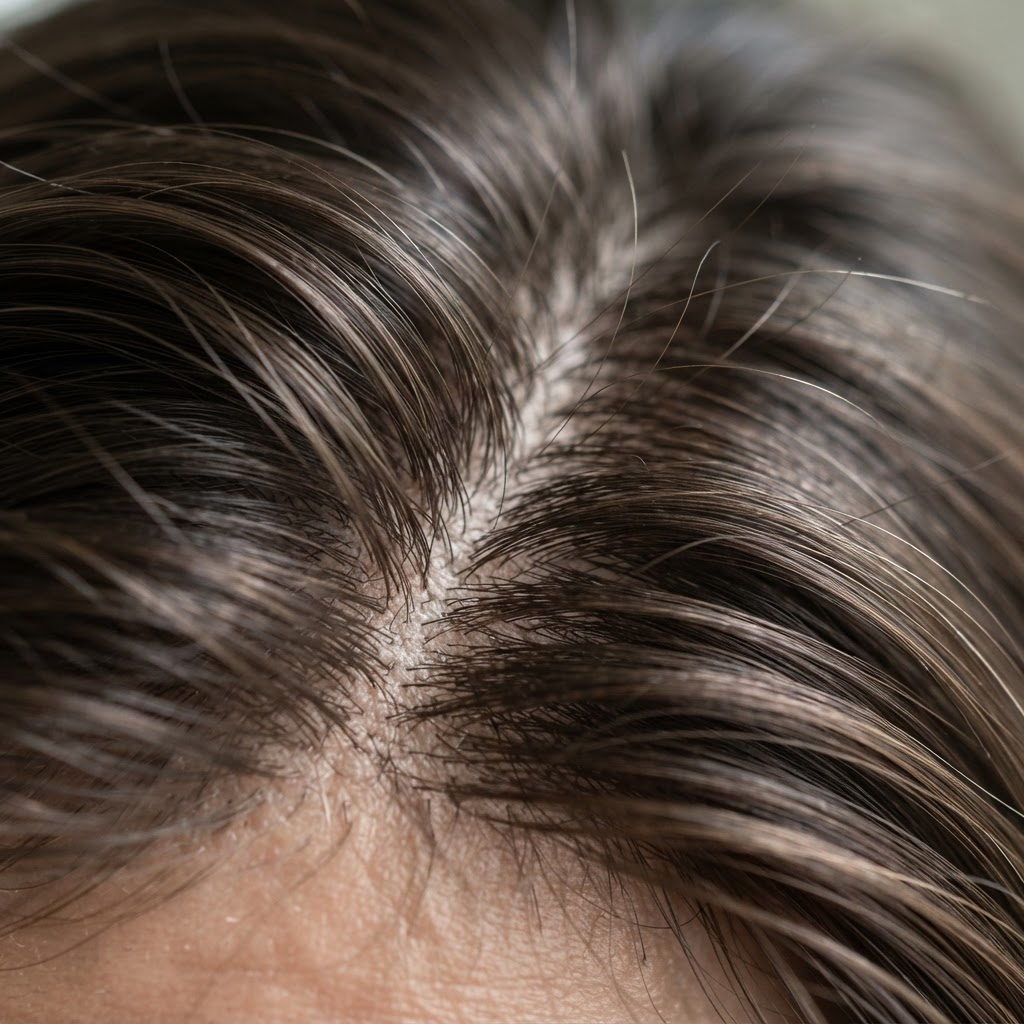
Hair detail — macro crop
Keep this exact image identical — same face, same head angle, same position, same lighting, same composition. Do not reshoot or reposition anything. Rebuild its detail at 8K: individual strands with visible separation and varying thickness, natural strand direction and flow within the group, light traveling along the length of single hairs with a specular highlight following the curve, visible depth and shadow between strand layers, fine flyaways breaking the outline, natural color variation between strands, visible scalp and root definition at the parting, and cuticle texture catching light. Nothing moves — only crop in and add detail.
A note on realism
These prompts push detail, not identity — every one of them explicitly locks pose, angle, lighting, and expression so you're sharpening what's already there instead of letting the model reinterpret the face. If a result drifts on identity or expression, add "do not change facial structure, proportions, or expression" to the prompt and re-run it.
Stack this with a stronger base generation model beforehand for the best results — a clean, well-lit starting portrait upscales far better than a low-resolution or heavily compressed one.